AI Image Editing Prompts
Upload your photo — AI analyzes it, suggests the best edit, and applies it. All in one place.
1 free daily creditNo credit cardAI-powered suggestions
Upload your photo
AI analyzes it, suggests prompts, and edits — all in one place
JPG, PNG, WebP · Max 10MB
See Prompts in Action
Real edits, real prompts. Drag the slider to compare.
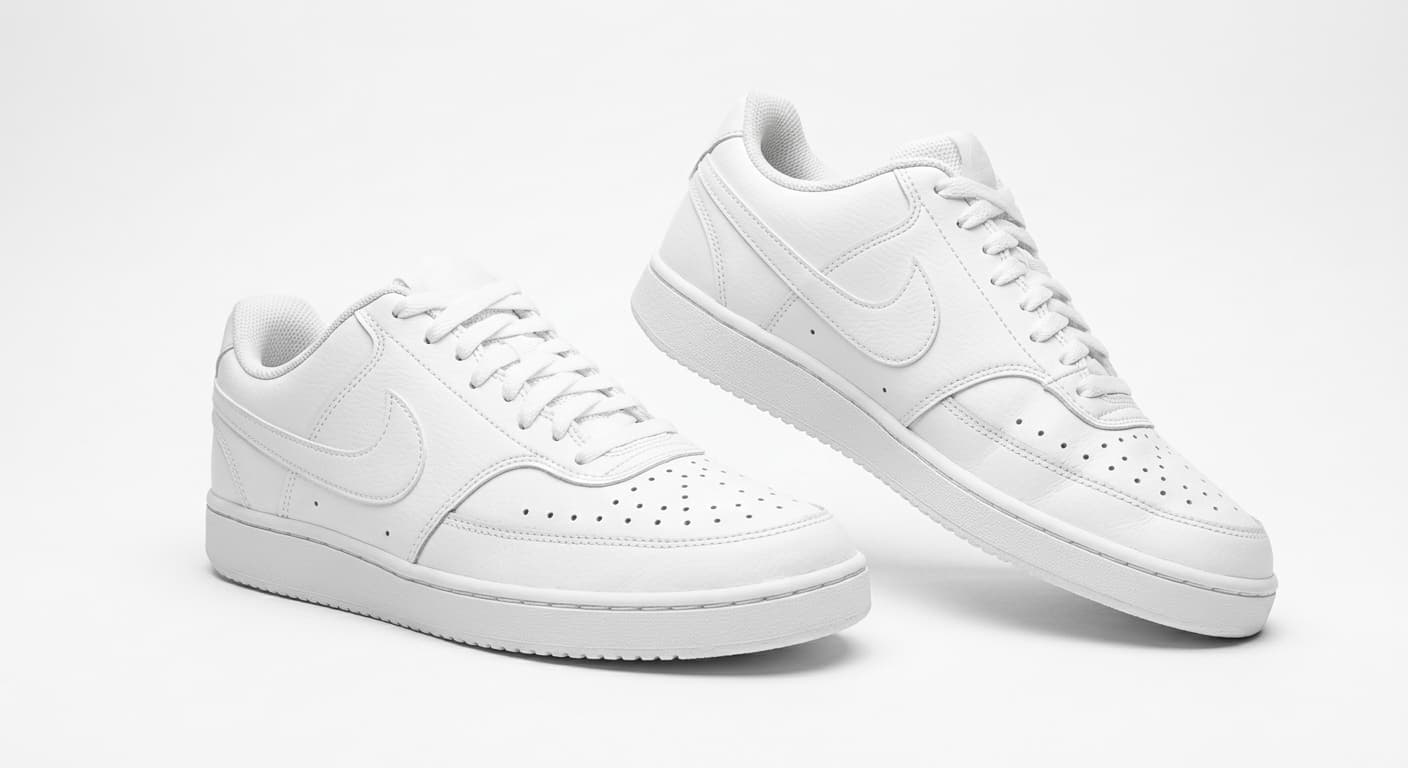
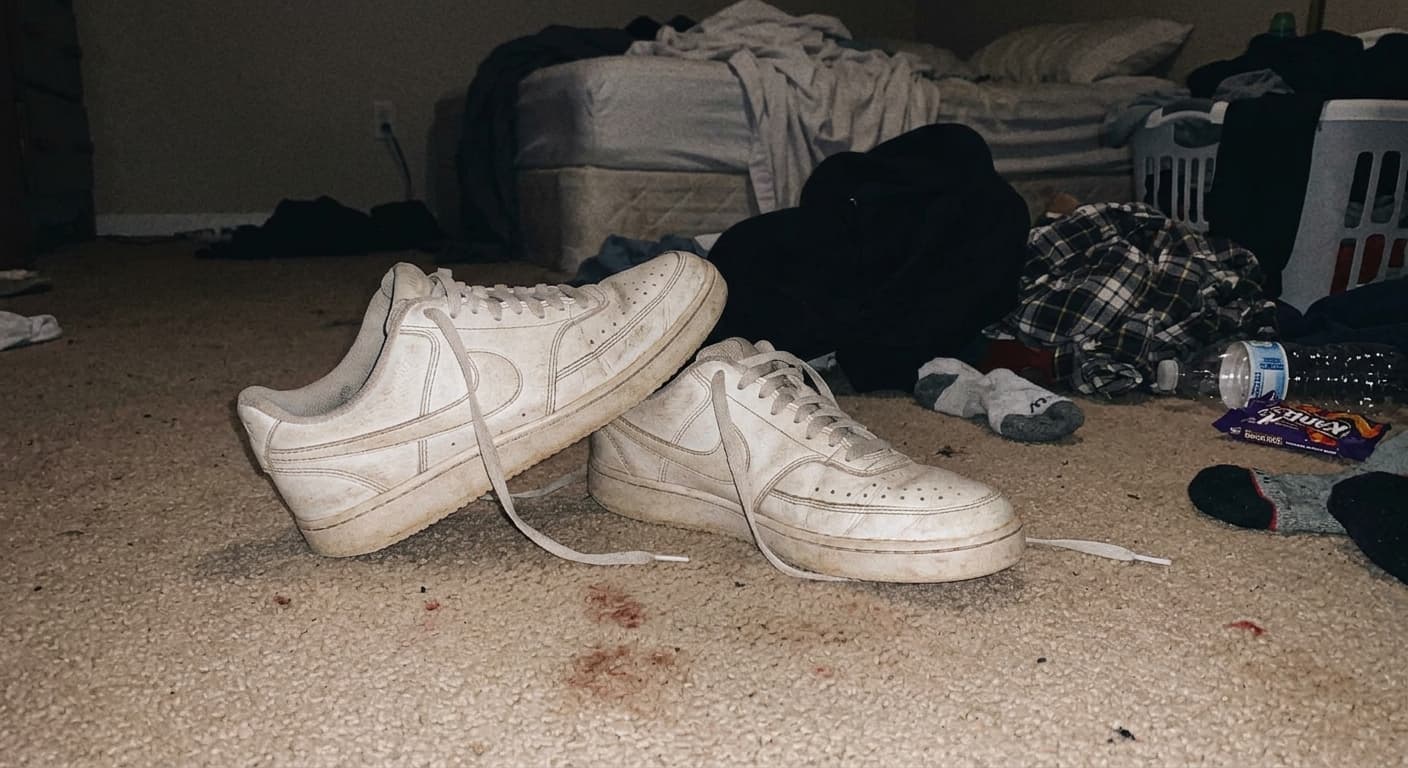
BEFOREAFTER
Product · Prompt used
“Clean white background, studio lighting”
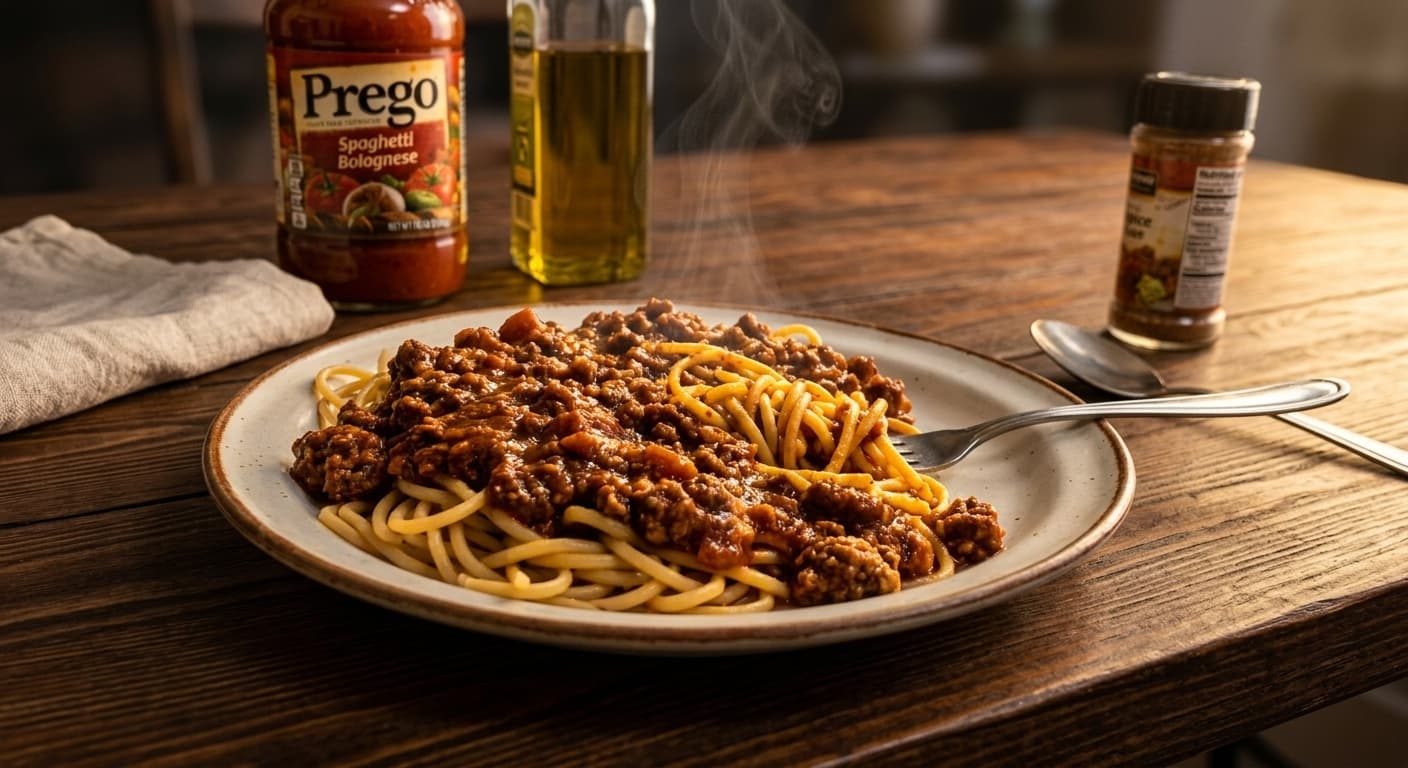
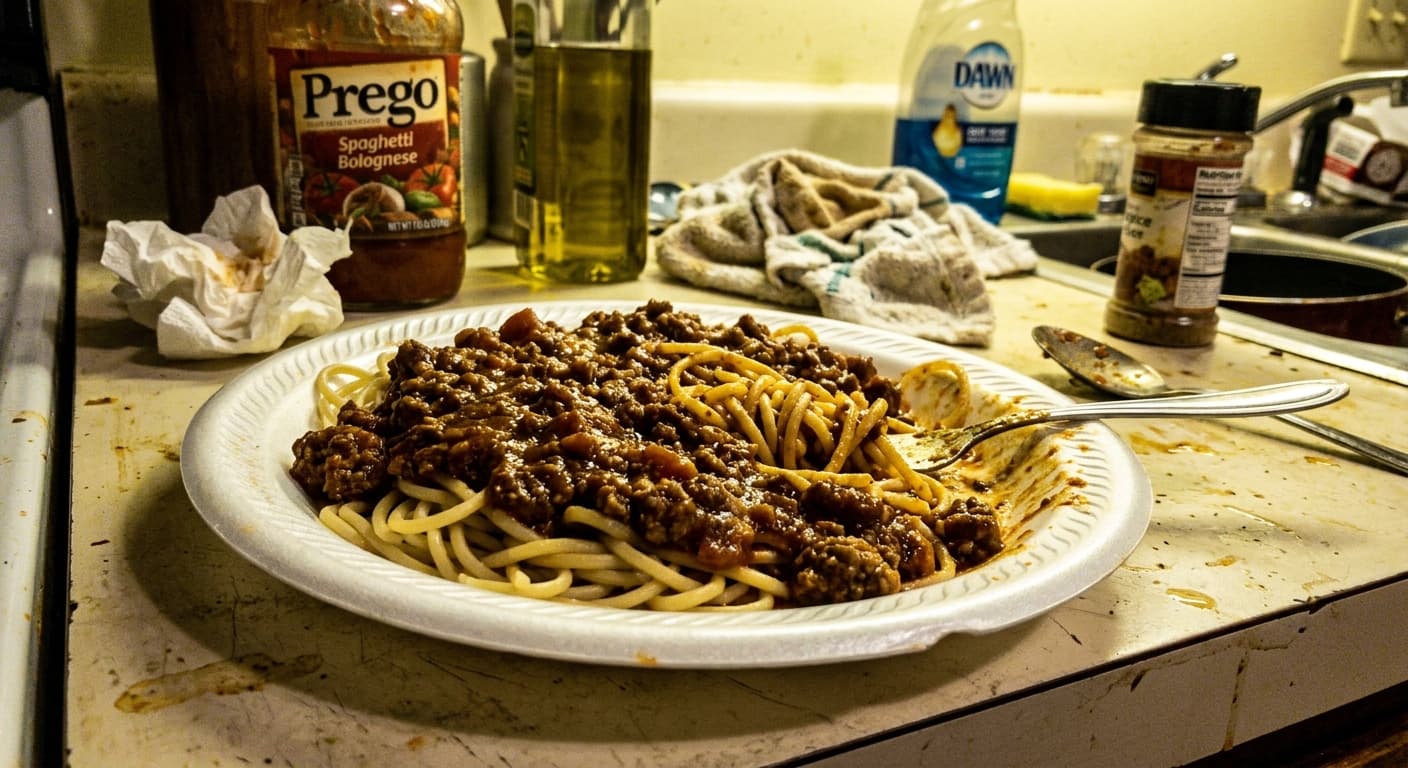
BEFOREAFTER
Food · Prompt used
“Enhance lighting and warm tones”
Or Browse by Goal
Don't have a photo yet? Pick a goal and find the right prompt.
Photo type (optional)
“Remove background, place on pure white with soft drop shadow”
White-background product photos convert 20-30% higher than lifestyle shots (Amazon/Shopify standard).
Try it →Tool →
“Make the product fill 85% of the frame, centered”
Larger product prominence in thumbnails increases click-through in search results.
Try it →
“Enhance color accuracy and add subtle sharpening”
Color misrepresentation is the #3 reason for returns — accurate colors reduce refund rates.
Try it →Tool →
“Remove all distracting elements, keep only the product”
Less visual noise = more attention on the product = higher add-to-cart rate.
Try it →Tool →
“Add a subtle reflection underneath the product”
Reflections add perceived quality and depth, making products look premium.
Try it →
“Smooth skin naturally, keep texture visible”
Over-retouching reduces trust. Natural smoothing performs best for profile photos.
Try it →Tool →
“Make it look like a professional studio headshot”
Professional headshots get 14x more profile views on LinkedIn.
Try it →
“Brighten eyes and whiten teeth subtly”
Subtle enhancements make faces more approachable without looking artificial.
Try it →Tool →
“Make the food colors more vibrant and appetizing”
Saturated food photos increase order rates by 25%+ on delivery platforms.
Try it →Tool →
“Remove distracting items from the table, focus on the dish”
Clean compositions perform better in menu listings and food delivery apps.
Try it →Tool →
“Add warm lighting to make the food look freshly prepared”
Warm tones trigger appetite — cold/blue tones suppress it.
Try it →
“Brighten the interior and fix lighting balance”
Well-lit interior photos get 40% more inquiries than dark ones.
Try it →Tool →
“Make the sky blue and vibrant in exterior shots”
Blue-sky exteriors outperform overcast photos in listing click-through.
Try it →
“Remove furniture to show the empty room”
Virtual staging flexibility — buyers imagine their own furniture in empty rooms.
Try it →Tool →
“Enhance quality and sharpen the image”
Higher quality images signal professionalism and increase trust.
Try it →Tool →
“Remove watermark from my own photo”
Watermarks reduce perceived quality and distract from the content.
Try it →Tool →
Browse All Prompts
Organized by business outcome, not photo type.
“Remove background, place on pure white with soft drop shadow”
“Make the product fill 85% of the frame, centered”
“Enhance color accuracy and add subtle sharpening”
“Remove all distracting elements, keep only the product”
“Add a subtle reflection underneath the product”
“Smooth skin naturally, keep texture visible”
“Make it look like a professional studio headshot”
“Brighten eyes and whiten teeth subtly”
“Make the food colors more vibrant and appetizing”
“Remove distracting items from the table, focus on the dish”
“Add warm lighting to make the food look freshly prepared”
“Brighten the interior and fix lighting balance”
“Make the sky blue and vibrant in exterior shots”
“Remove furniture to show the empty room”
“Enhance quality and sharpen the image”
“Remove watermark from my own photo”
FAQ
How does it work?
Upload a photo. AI (Claude) analyzes it and suggests 3-4 editing prompts. Click any prompt — the edit is applied instantly using Gemini AI. Download your result.
What are the best AI image editing prompts?
It depends on your goal. For e-commerce, white-background prompts boost conversion. For ads, lifestyle backgrounds increase click-through. Our AI picks the best prompts for your specific image.
Do these prompts work with ChatGPT or other tools?
Yes — you can copy any prompt and use it with ChatGPT, Gemini, or Adobe Firefly. But here you can apply them instantly with one click.
Is it free?
Yes — NanoEdit is free to start after sign-in. Free users get 1 free daily credit. Creator and Seller plans are available when you need more credits.
More AI Tools
AI Image Editor
Edit with natural language
Image Enhancer
Improve quality instantly
Image Upscaler
Upscale to HD/4K
Image Expander
Uncrop and extend the canvas
Photo Restoration
Restore old and damaged photos
Face Retouch
Smooth skin & beautify
Background Remover
Remove backgrounds instantly
Background Changer
Swap any background
Transparent Background
PNG with no background
Object Remover
Erase unwanted objects
Watermark Remover
Clean watermarks away
Quality Checker
Analyze image quality
Image Compare
Compare two images
Image Converter
Batch convert image formats
Turn the next image into something you can use.
Try one edit, save the result, then scale into listings, ads, posters, and covers.
1 free daily credit · No card · Upgrade when output matters