AI Image Editor
Upload a photo, describe the edit, and preview the result.
Sign in to editNo cardResults in 10 seconds
Loading editor...
4K proof
Inspect a real 4K detail before you pay.
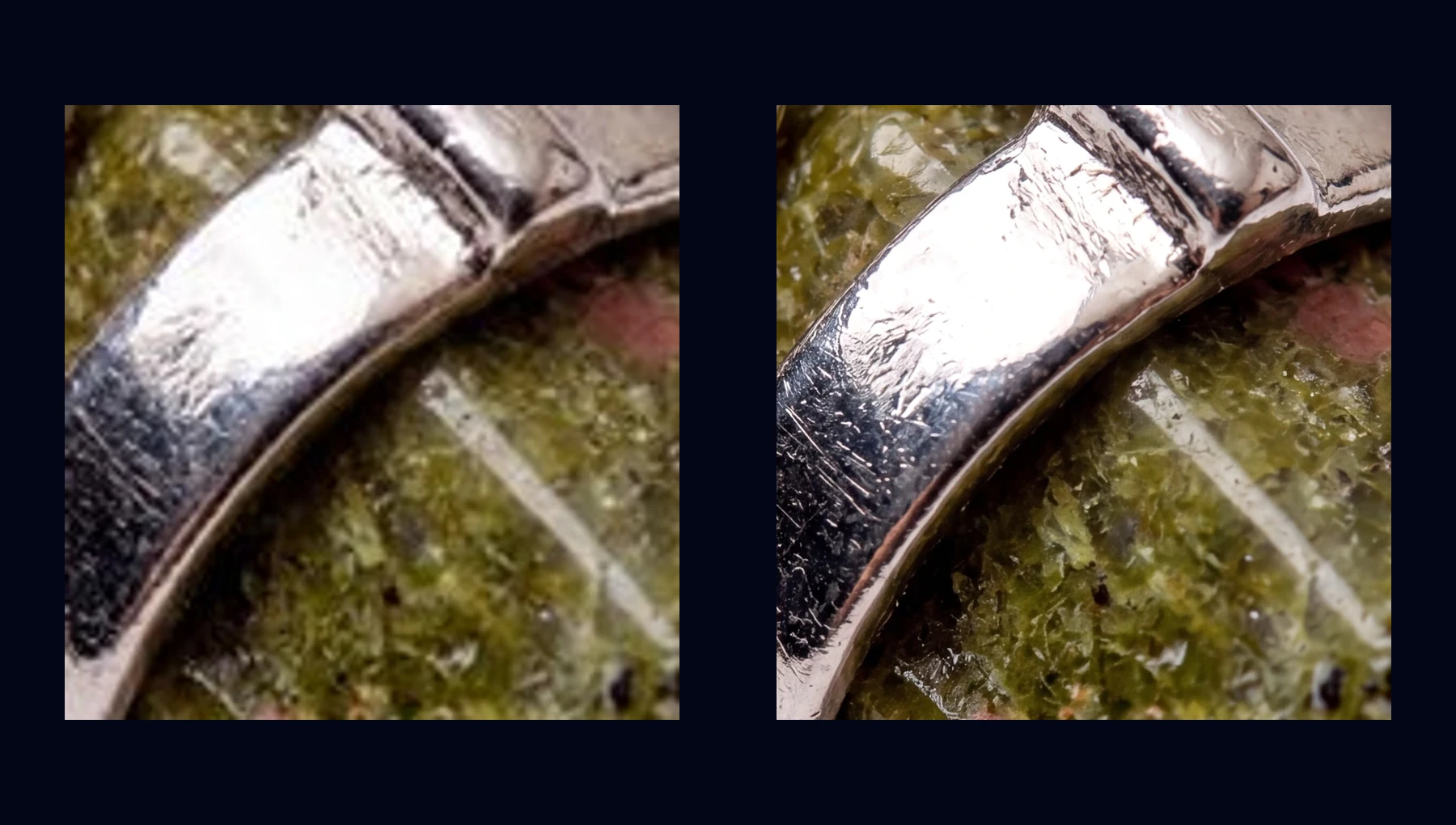
Compare the same local crop: the real 512px preview enlarged beside a clean high-resolution export. One full 4K sample is available to download.
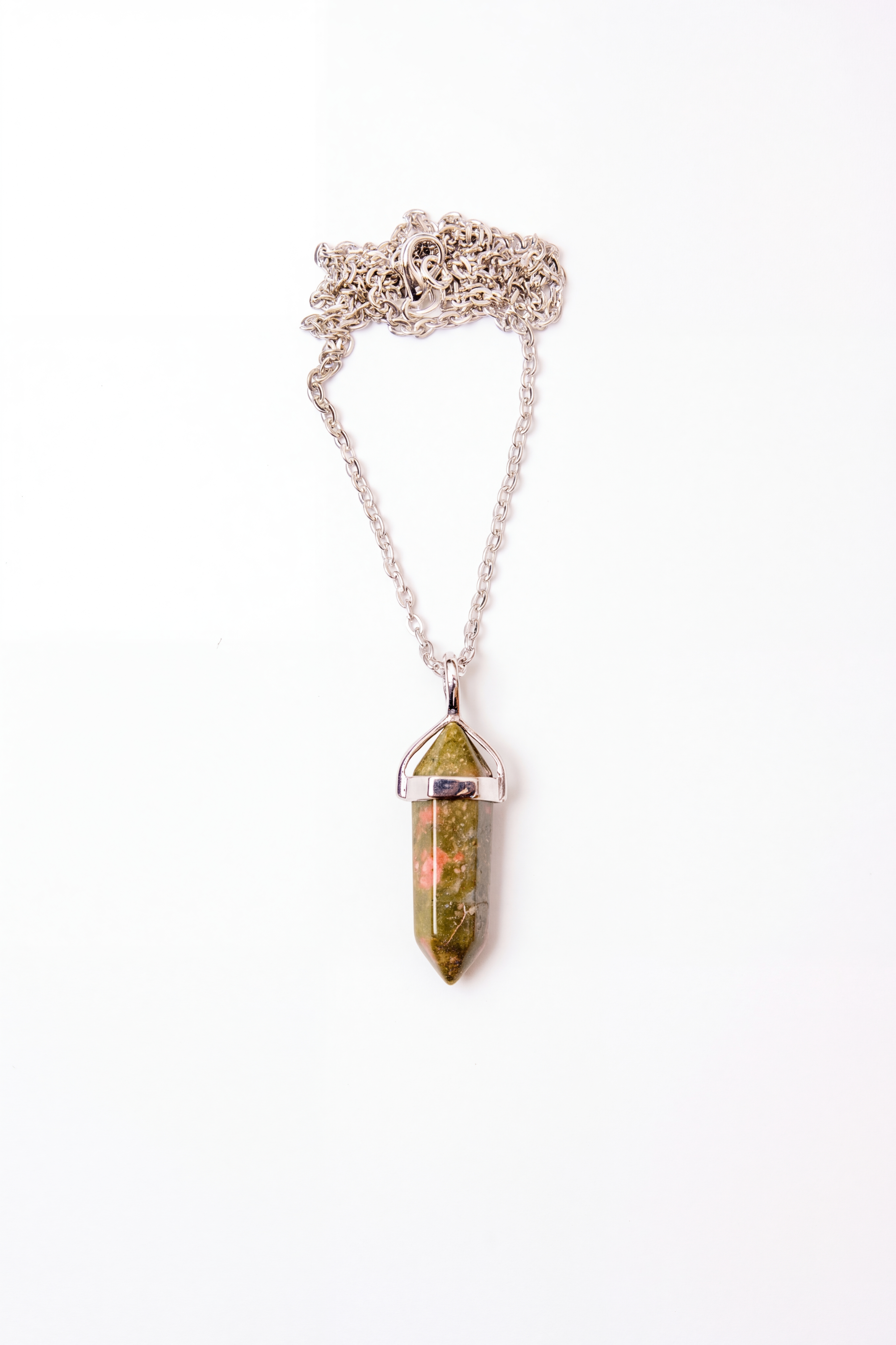
Default proof: Metal and stone texture341 × 512 → 3368 × 5056
Texture
Metal and stone texture
Fine scratches, reflective metal edges, and stone grain stay readable at export size.
512px preview
341 × 512
4K export
3368 × 5056
Switch scene
One Editor, Every Edit
🖼️
Background Removal
Remove or change backgrounds instantly
✨
Image Enhancement
Sharpen, deblur, and improve quality
🔍
Image Upscaling
Upscale to HD and 4K without quality loss
↔️
Image Expansion
Uncrop portraits and extend the canvas with outpainting
🕰️
Photo Restoration
Repair old photos, faded scans, and black-and-white pictures
🩹
Object Removal
Erase people, text, or unwanted objects
💧
Watermark Removal
Clean watermarks from your own photos
💄
Face Retouching
Smooth skin, remove blemishes, beautify
A faster way to edit photos with AI
If you are searching for an AI image editor, you usually want one of three things: a quicker way to fix a photo, a simpler workflow than Photoshop, or a tool that can combine multiple edits in one pass. NanoEdit is designed around that exact intent. You upload a photo, describe the result you want, and the model handles the technical editing steps behind the scenes.
That makes it useful as both an AI photo editor for quick touch-ups and a broader editing workspace for more complex jobs. You can remove a background, improve photo quality, erase unwanted objects, or retouch a face without bouncing between multiple apps. If you know exactly what you want, you can describe the full result in one prompt instead of manually chaining tools together.
People also search for phrases like edit image with AI and free AI image editor. The intent behind those searches is speed: get from upload to finished result without learning a traditional editor. NanoEdit is built around that workflow rather than around template libraries or manual retouch panels.
Best use cases for an AI photo editor
🛍️
Product photo cleanup
Remove messy backgrounds, improve lighting, and make ecommerce images look studio-ready.
📸
Fix blurry or dull photos
Improve photo quality, sharpen details, and make low-resolution images look more usable.
👤
Portrait retouching
Smooth skin, clean distractions, and adjust the background without manual brush work.
📣
Quick marketing edits
Prepare hero images, social visuals, and ad creatives without opening a full design suite.
AI image editor vs manual editing tools
Traditional editors are still the right choice when you need pixel-level control, layers, or design templates. But for common tasks, an AI image editor is often faster because the intent matters more than the exact brush strokes. Instead of hunting for the right panel, you can say what you want: “remove the background and make it look like a studio shot” or “fix the lighting and sharpen the details.”
NanoEdit is strongest when the job is outcome-driven rather than tool-driven. If you only need to improve photo quality, use the enhancer. If you mainly want to upscale an image, use the upscaler. If the background is the problem, go straight to the background remover. But if you want one place to handle all of those edits with natural language, the AI image editor is the right entry point.
Sign in to edit. Free users get 1 free daily credit. No credit card required.
FAQ
What is an AI image editor?
An AI image editor uses artificial intelligence to edit photos from text instructions. Instead of manually adjusting sliders or painting masks, you describe what should change and the model applies the edit for you.
Is NanoEdit really free?
Sign in to edit. Free users get 1 free daily credit. No credit card required.
What can I do with an AI photo editor?
You can enhance blurry images, remove backgrounds, erase unwanted objects, retouch portraits, upscale photos, and swap scenes in one workflow. NanoEdit is built for practical image editing rather than design templates or collage features.
Do I need to create an account?
Yes. Sign in to edit and use your free credits. No credit card required.
How is this different from Photoshop or Canva?
Photoshop and Canva give you manual controls, layers, and templates. NanoEdit is faster for common tasks because you type the outcome you want and the AI handles the technical steps behind the scenes.
What image formats are supported?
JPG, PNG, and WebP files up to 10MB are supported for editing.
More AI Tools
Image Enhancer
Improve quality instantly
Image Upscaler
Upscale to HD/4K
Image Expander
Uncrop and extend the canvas
Photo Restoration
Restore old and damaged photos
Face Retouch
Smooth skin & beautify
Background Remover
Remove backgrounds instantly
Background Changer
Swap any background
Transparent Background
PNG with no background
Object Remover
Erase unwanted objects
Watermark Remover
Clean watermarks away
Quality Checker
Analyze image quality
Image Compare
Compare two images
Image Converter
Batch convert image formats
Turn the next image into something you can use.
Try one edit, save the result, then scale into listings, ads, posters, and covers.
1 free daily credit · No card · Upgrade when output matters