Eliminador de Marcas de Agua con IA
Quita marcas de agua de tus fotos describiendo qué quieres borrar; la IA reconstruye la zona de detrás de forma natural.
Inicia sesión para editarSin tarjeta10 segundos
Cargando editor...
Prueba 4K
Comprueba un detalle 4K real antes de pagar.
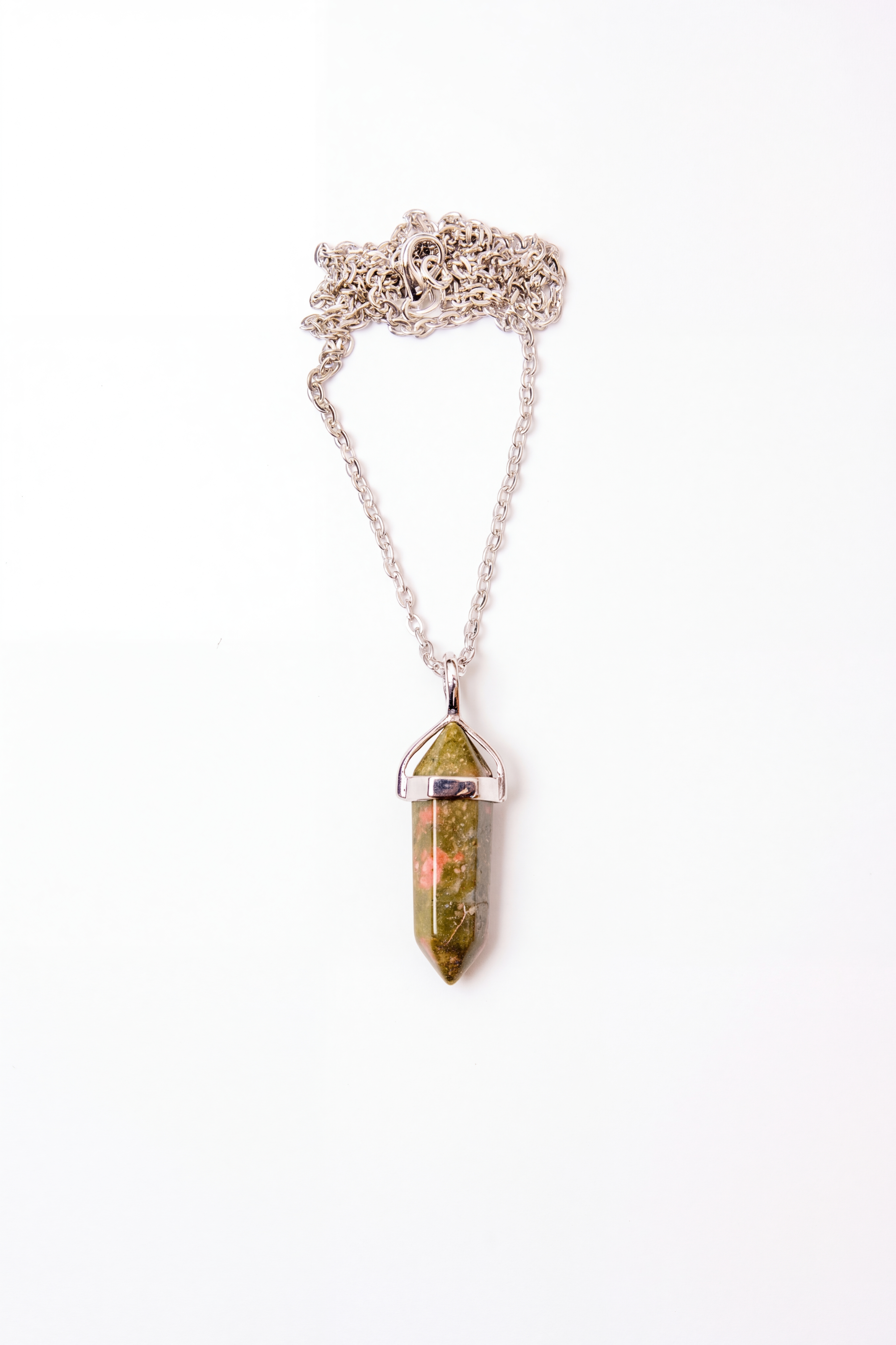
Compara el mismo recorte local: la vista previa real de 512 px ampliada junto a una exportación limpia en alta resolución. Hay una muestra 4K completa para descargar.
Prueba predeterminada: Detalle de joyería341 × 512 → 3368 × 5056
Producto
Detalle de joyería
Los reflejos pequeños, bordes de cadena y textura del metal siguen legibles en la exportación final.
Vista 512 px
341 × 512
Exportación 4K
3368 × 5056
Cambiar escena
Cómo Funciona
1
Sube la imagen
Sube tu imagen con marca de agua
2
Describe qué borrar
Dile a la IA qué tiene que quitar ("quita la marca de agua")
3
La IA reconstruye
Rellena la zona detrás de la marca usando el contexto de la foto
4
Descarga
Obtén tu imagen limpia en segundos
Aviso Importante
Asegúrate de tener derecho a usar la imagen. Esta herramienta está pensada para quitar marcas de agua de tus propias fotos, pruebas que hayas comprado o imágenes que tengas permiso para editar. Eliminar marcas de agua de contenido protegido sin autorización puede infringir la ley.
Preguntas Frecuentes
¿Puede quitar cualquier tipo de marca de agua?
La IA puede manejar la mayoría de marcas: texto, logos, sellos semitransparentes y patrones repetidos. Si la marca cubre gran parte de la imagen, el resultado puede ser parcial.
¿Quedarán artefactos donde estaba la marca?
La IA reconstruye la zona usando la información de alrededor. En marcas pequeñas o simples suele quedar muy natural; en overlays grandes o complejos puede quedar alguna imperfección menor.
¿Es legal usar esta herramienta?
Depende de tus derechos sobre la imagen. Quitar marcas de agua de tus propias fotos, pruebas compradas o imágenes que puedes editar está bien. Quitar marcas de agua de contenido ajeno protegido puede ser ilegal.
Más Herramientas IA
Editor de Imágenes IA
Edita con lenguaje natural
Mejorador de Imágenes
Mejora la calidad al instante
Escalador de Imágenes
Escalar a HD/4K
Expansor de Imágenes
Amplía el lienzo y completa bordes
Restauración de Fotos
Restaura fotos antiguas y dañadas
Retoque Facial
Suavizar piel y embellecer
Eliminador de Fondo
Elimina fondos al instante
Cambiador de Fondo
Cambia cualquier fondo
Fondo Transparente
PNG sin fondo
Eliminador de Objetos
Borra objetos no deseados
Verificador de Calidad
Analiza la calidad de imagen
Comparador de Imágenes
Compara dos imágenes
Conversor de Imágenes
Convierte formatos por lotes
Tus Fotos Merecen Más
Resultados profesionales en segundos. Sin habilidades de diseño.
Inicia sesión para editar · Sin tarjeta · Resultados en segundos