Create ecommerce photos, ad images, posters, and covers with AI.
Upload a product photo, creative draft, or campaign image. Try the edit first, then register when you want to save, export, or keep producing.
290+ real users have edited images with NanoEdit
Drag & drop your image here
or click to browse — JPG, PNG, WebP (max 10MB)
1 free daily credit · No card · Pay when you need more output
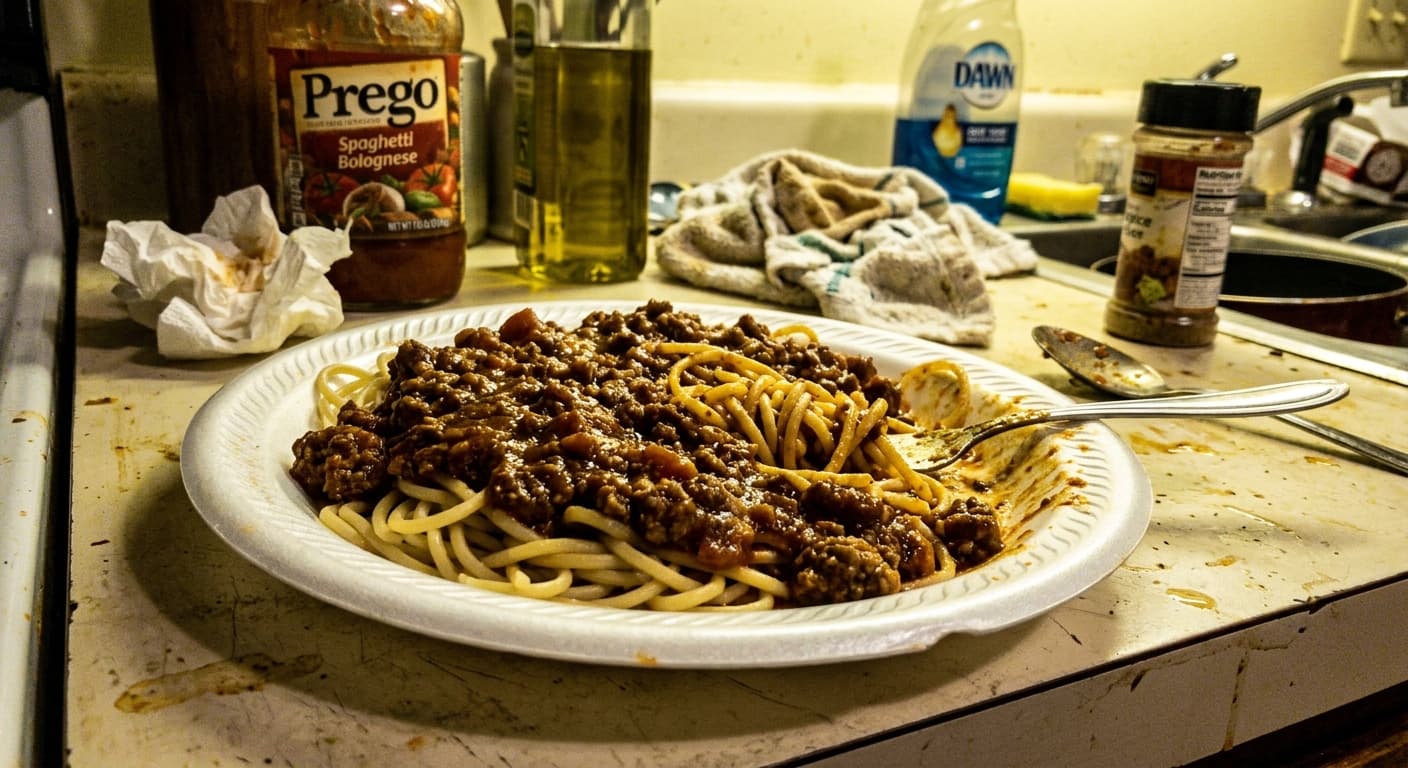 BEFORE
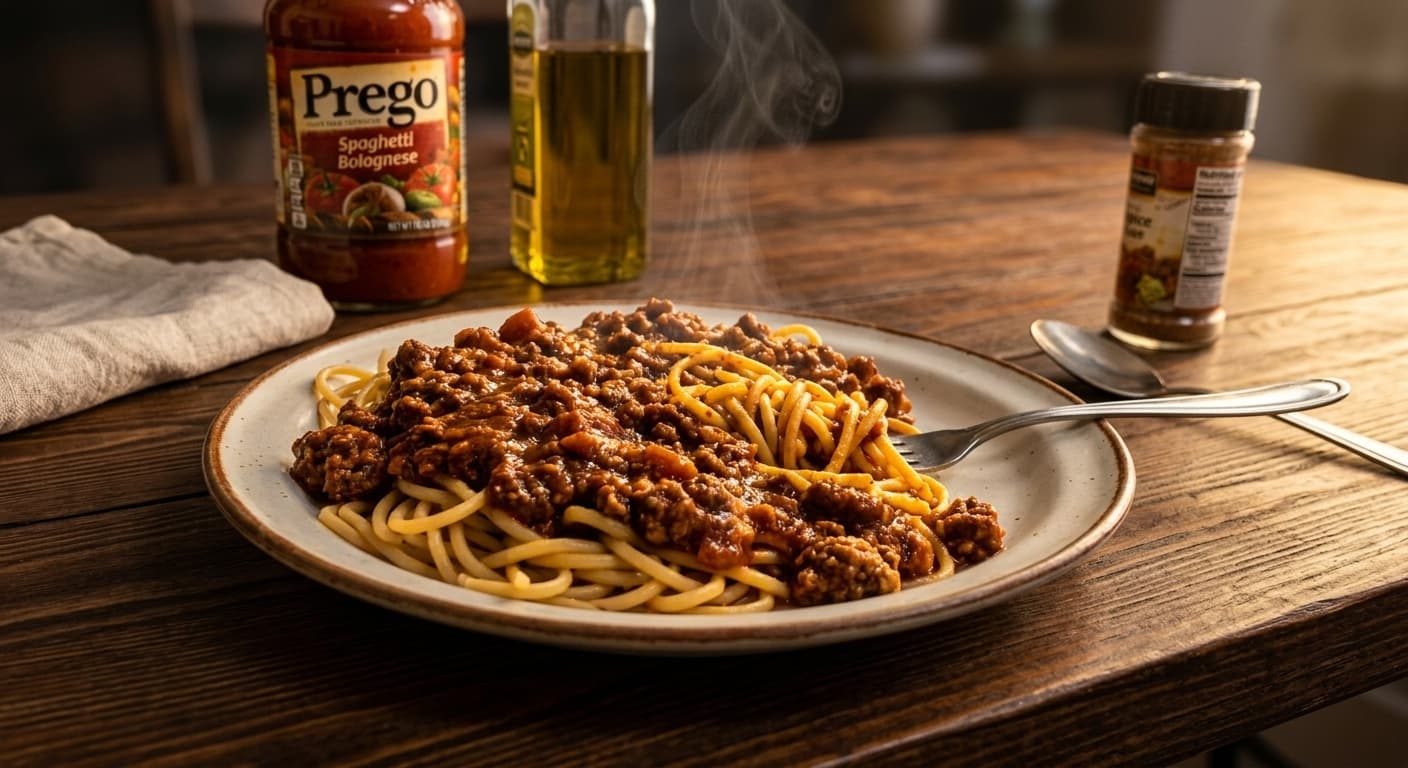 AFTER
AFTER4K proof
Inspect a real 4K detail before you pay.
Compare the same local crop: the real 512px preview enlarged beside a clean high-resolution export. One full 4K sample is available to download.
Default proof: Metal and stone texture341 × 512 → 3368 × 5056
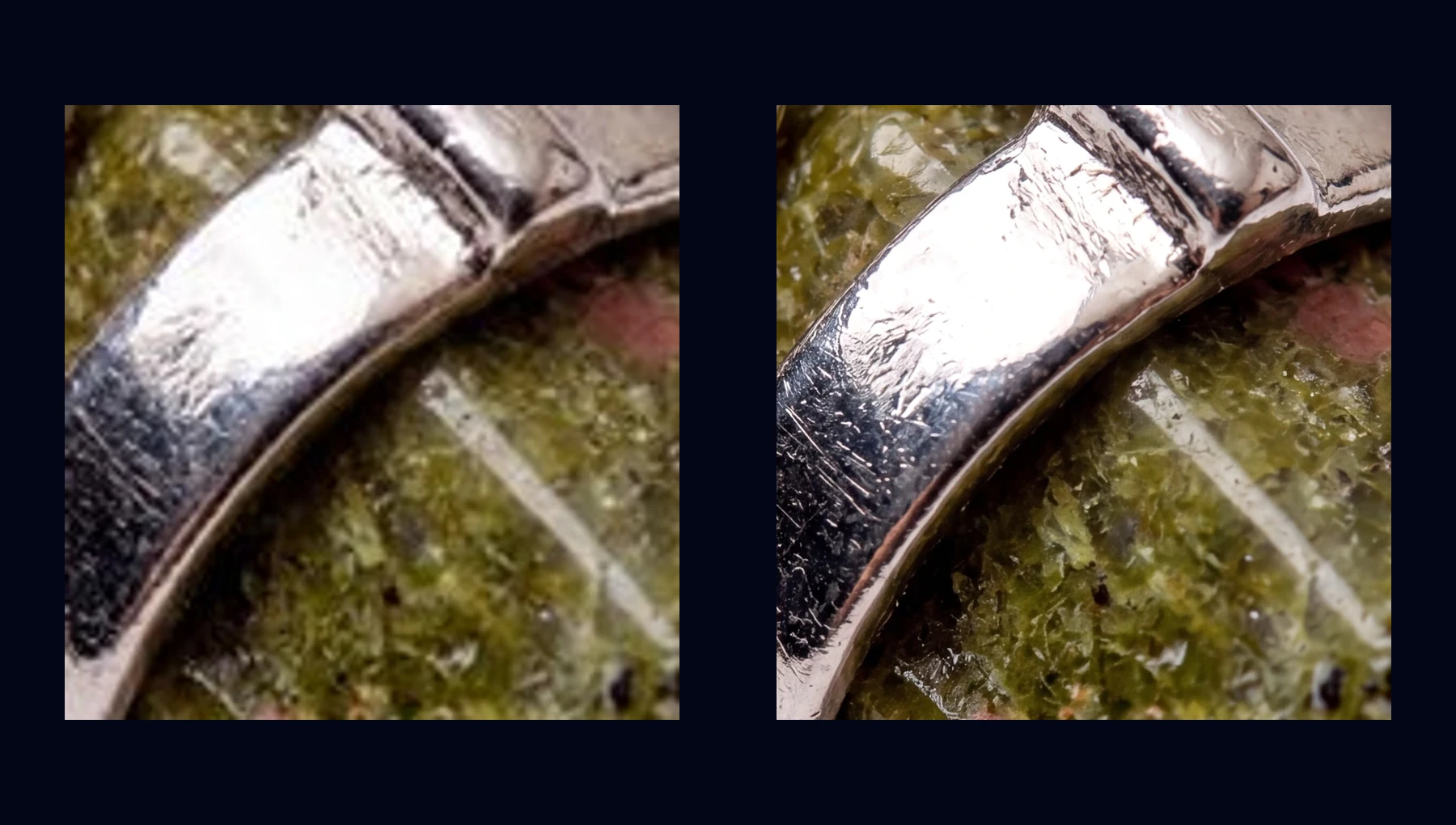
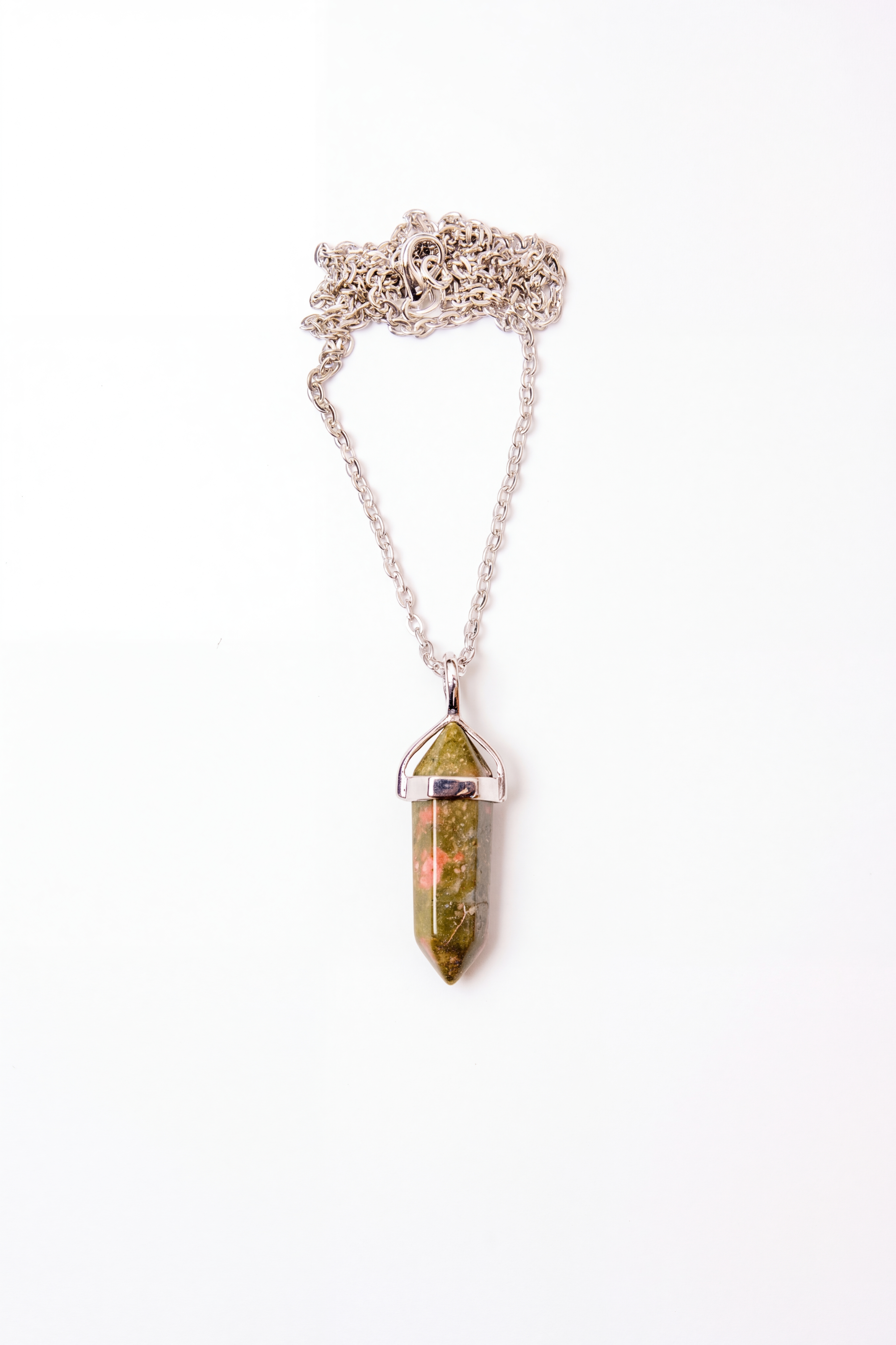
Texture
Metal and stone texture
Fine scratches, reflective metal edges, and stone grain stay readable at export size.
512px preview
341 × 512
4K export
3368 × 5056
Switch scene
See the kind of output people try first
Product, food, and campaign edits from real prompts. Drag the slider to compare.
BEFORE
AFTER
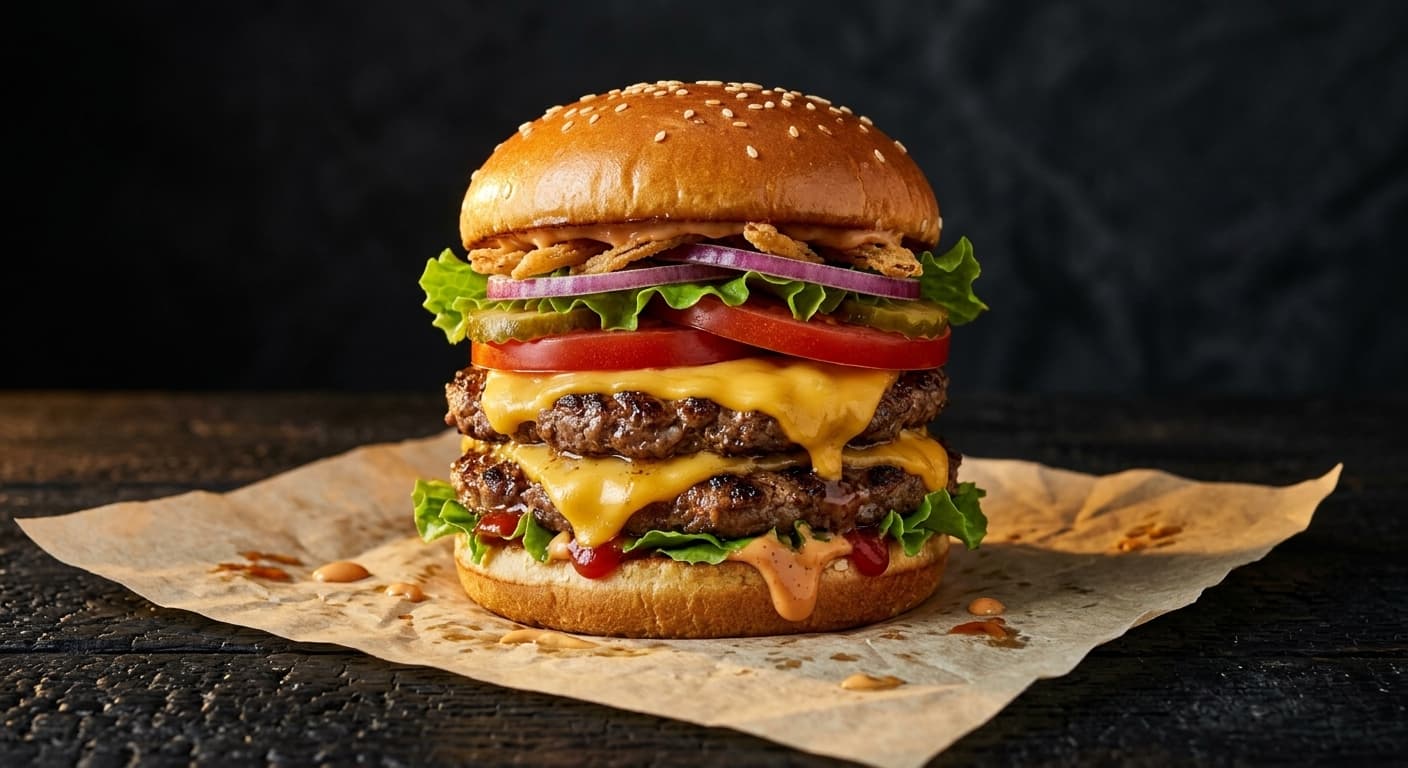
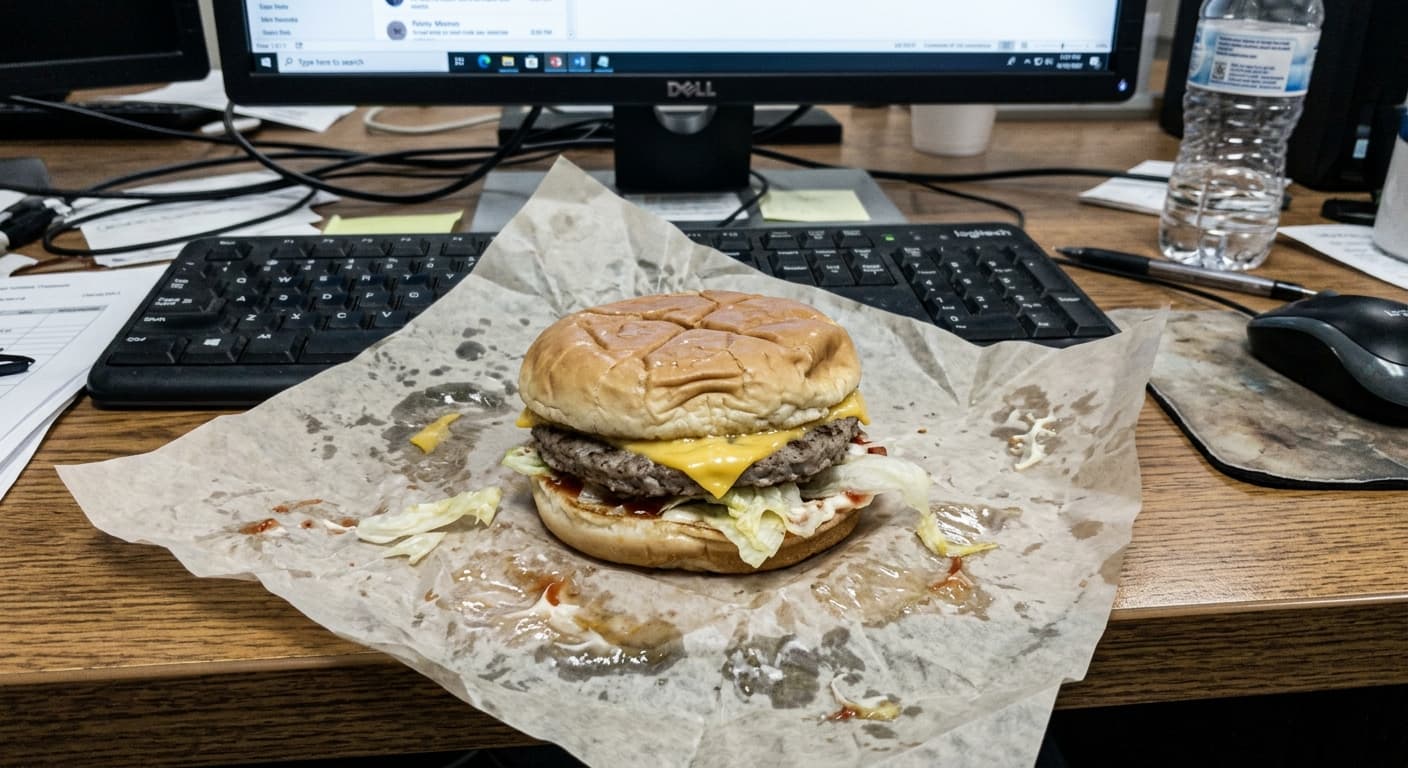
Food · Prompt
“Enhance lighting and warm tones”
BEFORE
AFTER
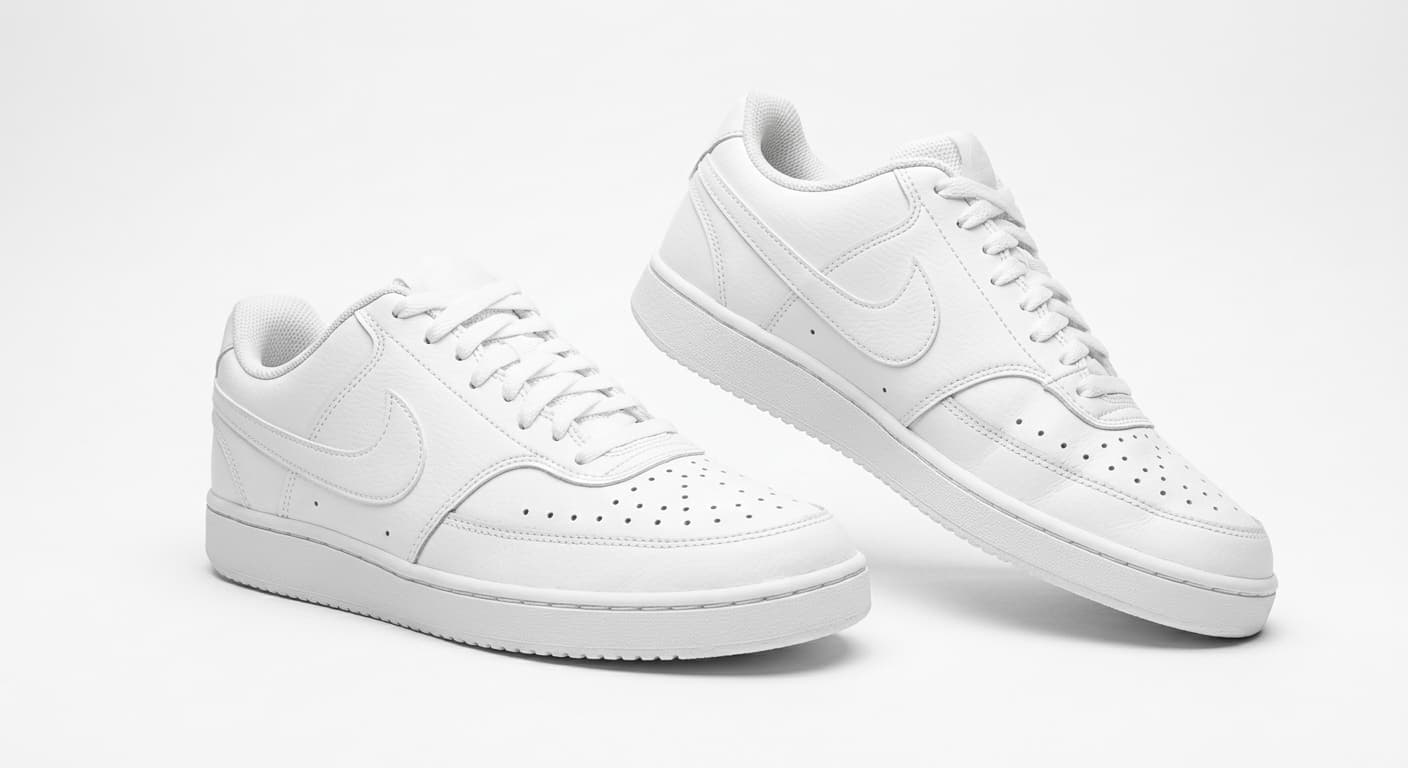
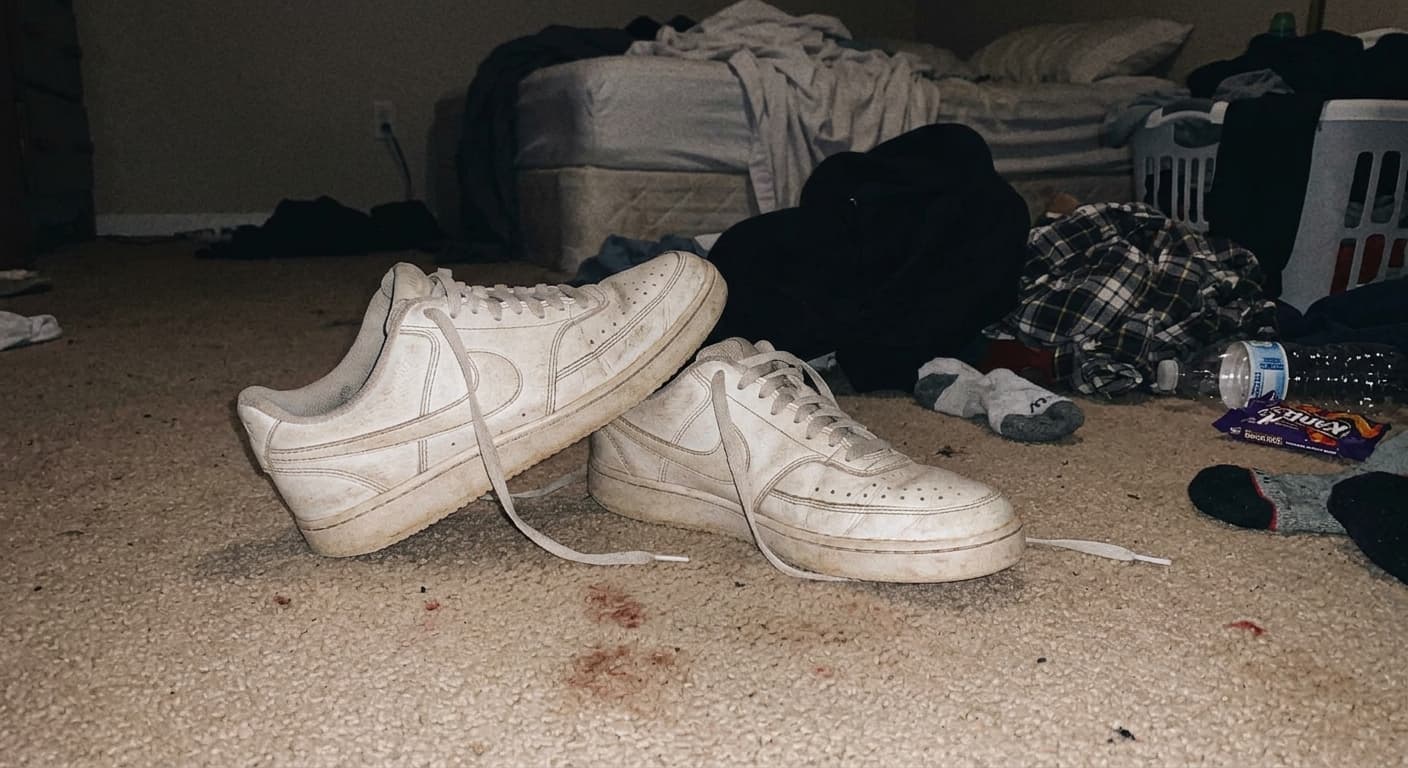
Product · Prompt
“Clean white background, studio lighting”
BEFORE
AFTER
Food · Prompt
“Make it look appetizing for delivery menu”
NanoEdit current real usage record
Still growing
1 free daily creditNo card requiredFailed edits cost nothingBatch workflow ready
Top AI photo editor tools
Start with the main AI image editor or jump straight into the exact workflow you need: improve photo quality, remove backgrounds, upscale pictures, or swap scenes.
AI Image Editor
Edit photos with natural language instead of sliders and layers.
Image Enhancer
Improve photo quality, sharpen details, and fix blurry shots.
Image Upscaler
Upscale pictures to HD and 4K while keeping edges clean.
Background Remover
Get transparent PNGs or clean studio-style backgrounds fast.
AI Background Changer
Replace the scene behind your subject with a prompt.
Compare NanoEdit vs the tools people already know
If you are choosing between NanoEdit and other AI photo editors, start with our side-by-side comparison pages for pricing, workflows, and feature coverage.
How It Works
Step 1
Upload Your Photo
Drag & drop or click to upload any photo from your phone or camera.
Step 2
Describe Your Edit
Say or type what you want changed — in plain English. No prompts to learn.
Step 3
Download & Use
Get your professional photo instantly. Ready for your store, menu, or ads.
Start free, then pay for production
Try the upload flow first. Sign in for 1 free daily credit, then upgrade only when you need more exports.
7-Day Refund Policy · No Subscription Required
Start with one-time credits from $2.90. Monthly plans are optional.
Free
$0
- 1 free daily credit
- Standard 512px download
- No credit card required
Turn the next image into something you can use.
Try one edit, save the result, then scale into listings, ads, posters, and covers.
1 free daily credit · No card · Upgrade when output matters